
Iqama, visa and Absher guides that get things done
Clear steps, fees and official links for the everyday paperwork of living and working in Saudi Arabia.
Popular: Iqama expiry Huroob check STC balance Absher
81 practical guides
Iqama, visas, Absher and telecom
Linked to official sources
Absher, Jawazat, MOFA and Muqeem
Updated when rules change
Fees, codes and timings re-checked
Independent and free
Not affiliated with any authority
Quick Saudi checks
Go straight to the status checks, balance codes and calculators residents use most.
Iqama expiry check
See when your Iqama expires, on Absher or Muqeem.
Huroob status
Find out whether an absconding report is on your file.
Visa validity
Check a Saudi visa by number or passport before you travel.
Iqama fine check
Look up traffic and residency fines linked to your Iqama.
STC balance
Prepaid credit and data balance by code, app and SMS.
SIMs on your Iqama
Count the SIM cards registered against your Iqama number.
End of service
Work out your end-of-service award under Saudi labour law.
Postal code finder
Look up the five-digit code for any Saudi city or district.
Featured guides
The guides readers reach for most, each with the official portal and the exact fees and codes.
Iqama in Saudi Arabia (إقامة): A Guide for Foreign Workers
The Iqama (إقامة) is Saudi Arabia’s official residence permit for non-Saudi nationals. The Ministry of Interior issues it through the General Directorate of Passports, known as…
Iqama Renewal KSA: Process, Periods, and What Blocks It
Iqama renewal in Saudi Arabia now runs on flexible 3, 6, 9, or 12 month periods. A three month renewal costs roughly SAR 163, scaling upward…
End of Service Benefits in Saudi Arabia: The Real Formula
End of service benefits, or gratuity, pay half a month’s wage per year for your first five years. After that, each year pays a full month’s…
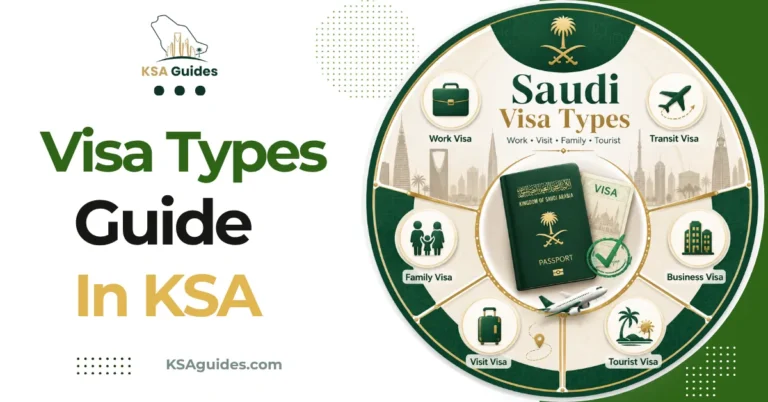
Saudi Visa Types: A Complete Guide
Saudi Arabia issues visas through several distinct routes, from a tourist eVisa to family visit and work visas. A tourist eVisa covers over 50 nationalities, while…
Absher Portal (أبشر) : Saudi Arabia’s Ministry of Interior Portal
Absher is the Saudi Ministry of Interior’s digital services platform, launched in 2010. It provides over 460 services across three separate platforms: Individuals, Business, and Government.…
STC, Zain, Mobily and more
Balance codes, number codes, data packages and recharge routes for every network in the Kingdom.
STC Advance Balance Code: How to Get KMMEL Emergency Credit?
STC’s advance balance service, called KMMEL, gives Sawa prepaid customers 5.50 SAR in emergency credit whenever their balance reaches zero, confirmed directly by STC. The advance…
Sawa Recharge Code KSA: How to Recharge Your STC SIM
The Sawa recharge code is *155*RechargeCode#, dialled from the phone you want to top up. STC, the Saudi Telecom Company, also accepts the code by SMS…
STC Monthly Internet Packages KSA: Sawa Plans and Prices
STC’s monthly prepaid internet packages are sold under the Sawa brand, with options ranging from a 1 GB entry plan to Sawa Hero, STC’s unlimited data,…
STC Number Check: How to Find Your STC SIM Number in Saudi Arabia?
To check your STC number in Saudi Arabia, dial *150# from your STC SIM and your number appears on screen within seconds, free and with no…
Iqama, Huroob and residency
Renewals, transfers, status checks and the labour rules attached to your residency permit.
Muqeem Visa Validity Check: How to Verify Your Visa
Muqeem is the Ministry of Interior residency platform, operated by ELM. Its public visa validity service checks exit and re-entry, final exit, and visit visas free.…
Dependent Fee in Saudi Arabia: Rate, Grace Period, Payment
The dependent fee in Saudi Arabia is SAR 400 per month for each sponsored family member, unchanged since 2020. Newly arrived dependents get a 90 day…
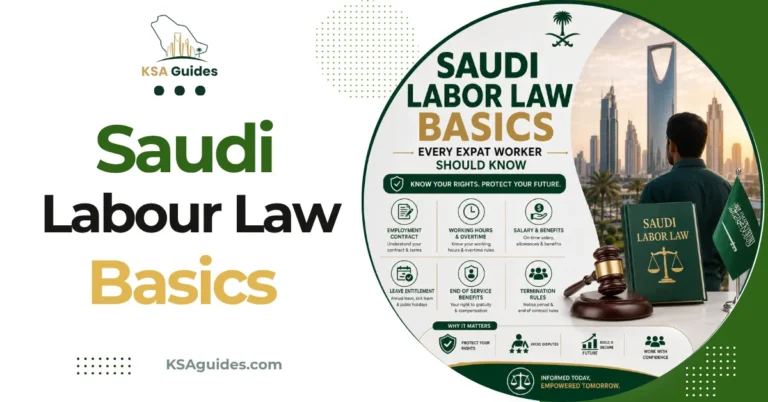
Saudi Labor Law Basics Every Expat Worker Should Know
Saudi Labor Law sets standard hours at 8 per day or 48 per week, with overtime at 150 percent pay. Probation runs 90 days by default,…
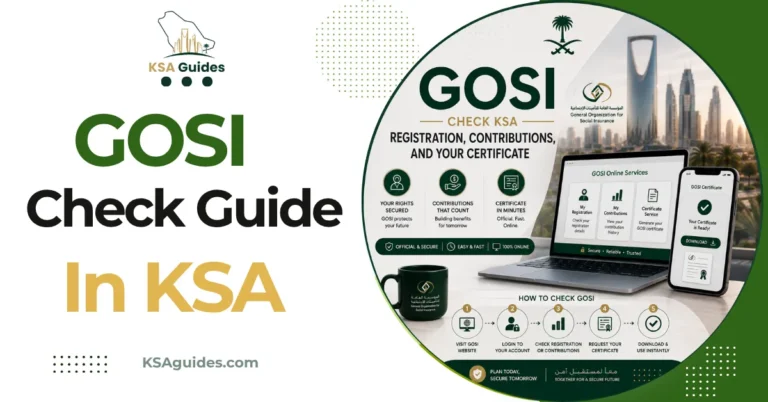
GOSI Check KSA: Registration, Contributions, and Your Certificate
Check your GOSI registration and download your salary certificate by logging in through Nafath at gosi.gov.sa or the Taminaty app. The certificate shows your employment history,…
Visas, extensions and status checks
Entry routes from tourist eVisa to work visa, plus extensions, insurance and what to do after a refusal.
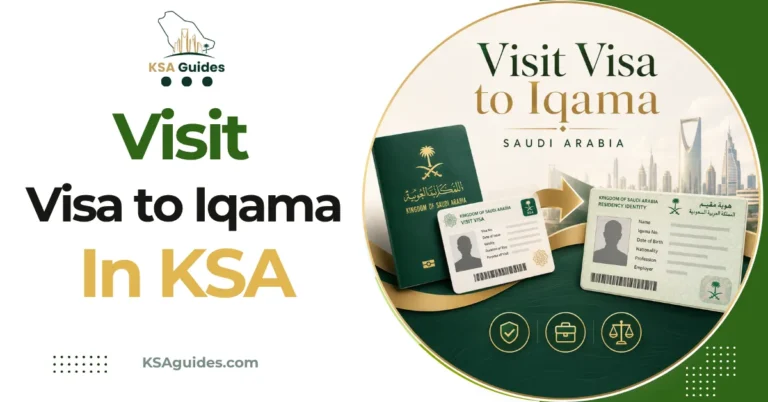
Visit Visa to Iqama KSA: What Actually Converts?
A tourist eVisa cannot convert to an Iqama under any circumstance, and re-entry needs a proper visa. Family visit visas can sometimes convert through exceptional Jawazat…

Saudi Business Visit Visa: The MOFA Invitation Process
A Saudi business visit visa requires an employer-sponsored invitation letter through MOFA, endorsed by the local Chamber of Commerce. This differs entirely from a family visit…
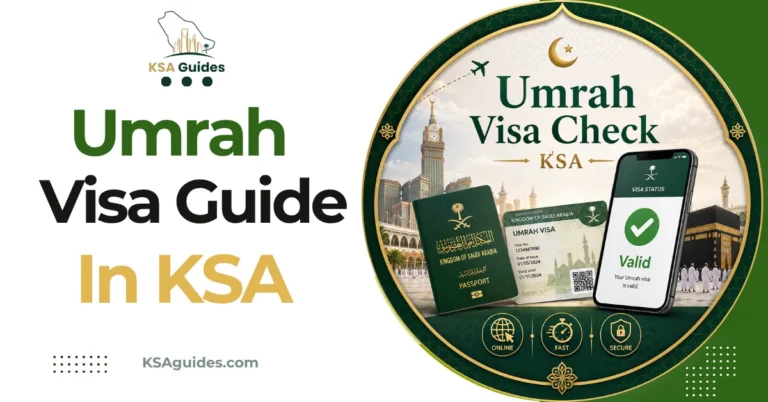
Umrah Visa Check KSA: Why a Valid Visa Is Not Enough?
Holding an eligible visa does not let you perform Umrah on its own. Nusuk registration is mandatory for every pilgrim in 2026, regardless of visa type,…
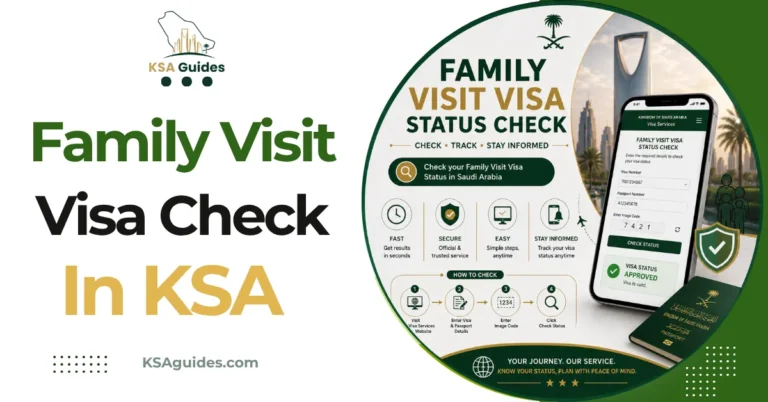
Family Visit Visa Status Check KSA: What Each Result Means?
Check your family visit visa status on the MOFA portal using the application number and passport number. An “Approved” result is not your final visa. The…
Absher, Nafath and Tawakkalna
The platforms behind the paperwork: registration, password recovery, kiosks and the apps beside them.
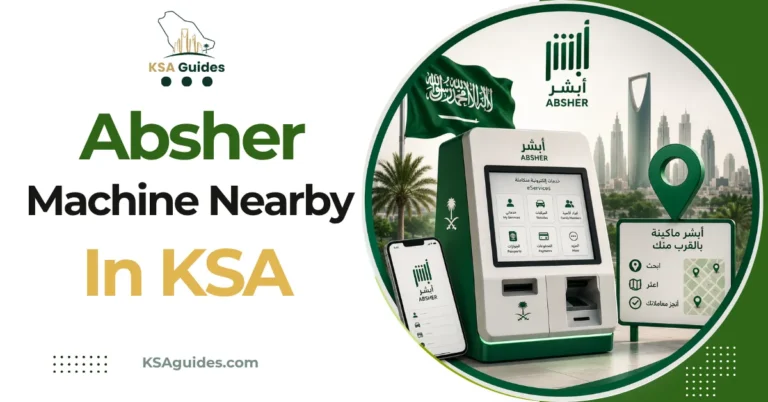
Absher Machine Near Me: Locations and Services
Absher self-service machines are Jawazat-operated touchscreen kiosks found across the Kingdom. They handle three tasks: account activation, mobile number updates, and password resets. All three rely…

Absher Password Reset and Account Recovery KSA Complete Guide 2026
Reset your Absher password at absher.sa using Forgot Password, your Iqama number, and your registered mobile. The same flow also displays a forgotten username. You cannot…

Absher Mobile Number Change KSA: With and Without Login
If you can still receive SMS on your old number, change it inside Absher under Update User Information. If you have lost that number, the Absher…

Absher Registration: Creating and Activating Your Account
Absher registration and activation are two separate steps. You can create an account online in minutes, but most services stay locked until you activate it separately.…
Recently updated
Guides are revisited when a fee, code or procedure changes, so the date below is the last check, not the first publication.

Browse by topic
Pick a topic to see every guide we have on it.
Telecom and SIM cards
Balance codes, number codes, data packages and recharge for all nine Saudi networks.
Iqama and residency
Renewals, transfers, Huroob, fines and the labour rules attached to your Iqama.
Visa services
Tourist, visit, work and Umrah visas, plus extensions, insurance and status checks.
Absher and government
Absher, Nafath, Tawakkalna, Muqeem and the kiosks behind the paperwork.
End of service calculator
Work out an award from basic salary and length of service.
Saudi postal codes
Find the five-digit postal code for any Saudi city or district.
Guides you can check for yourself
KSA Guides is an independent publisher of Saudi how-to guides, written and maintained by Roman Shah. We are not affiliated with any Saudi government authority, telecom operator or bank. We turn official rules into steps you can follow, and we say when a detail should be confirmed on the official site before you act.
Official sources first
We check Absher, Jawazat, MOFA, Muqeem, GOSI and the operators’ own portals, and link to them in our guides.
Updated when rules change
Pages are revised when fees, USSD codes, eligibility rules or app steps change.
Corrections welcome
Spotted something out of date? Tell us and we will check it against the official source.